Kitchen order tickets
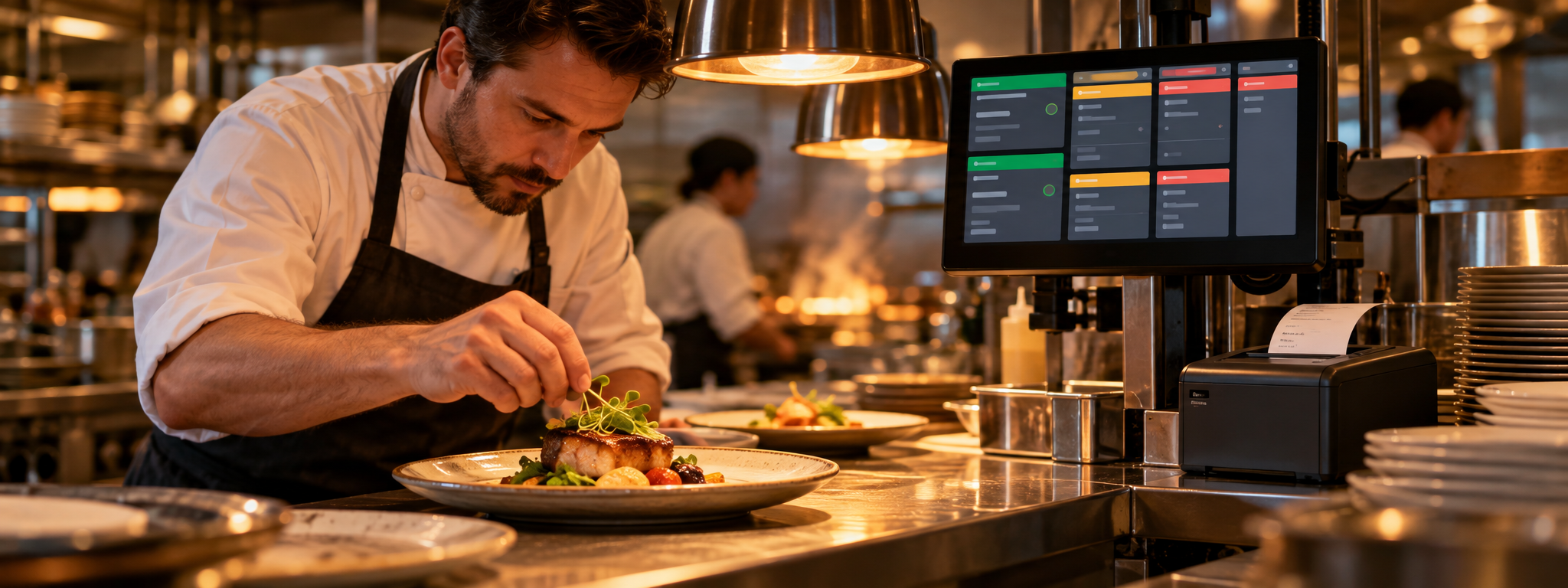
A KOT prints as soon as an order is placed, with the table, dishes, sizes and add-ons.
KOT and kitchen display
Every order, whether from a waiter, the counter, a table QR code or an online order, reaches the kitchen in one queue. Print kitchen order tickets (KOT) on a kitchen printer, or show orders on a kitchen display screen where cooks mark them as started and ready.
Features
The kitchen sees exactly what to cook, for which table, in the order it came in.
A KOT prints as soon as an order is placed, with the table, dishes, sizes and add-ons.
Use a tablet or TV instead of paper. Cooks see new orders, mark them as cooking and as ready.
When the kitchen marks an order ready, waiters see it, and takeaway guests see their token on the 'now ready' screen.
Dine-in, takeaway, QR and online orders all arrive in the same kitchen list, oldest first.
Kitchen and waiter staff can use the RestroBeat Android app on their own phones.
Run with or without a kitchen screen, and with or without approval before an order is cooked.
Guide
Printed KOTs are simple and familiar: the ticket comes out of the kitchen printer and the cook works from it. They suit small kitchens and restaurants that already have a thermal printer. The weak point is paper: tickets get lost, and nobody outside the kitchen can see what is ready.
A kitchen display system (KDS) shows the same orders on a screen. Cooks tap to start and finish each order, so waiters and the counter know when food is ready, and you can see how long orders take. A low-cost Android tablet is enough.
With RestroBeat you can start with printed KOTs and move to a screen later without changing anything else, because both use the same order queue.
How it works
By a waiter, at the counter, by QR code or online.
The kitchen sees the dishes, sizes, add-ons and the table.
Waiters and the counter are told; takeaway and delivery orders move to the Dispatch screen to be handed over.
One plan, every module
₹9,999 + GST per outlet / year in India
Or ₹1,000 + GST per month; GST is 18%, added on the invoice. Billing, QR ordering, kitchen display, inventory, staff and reports are all included, after a 90-day free trial. See pricing for other countries.
FAQ · KOT and kitchen display
More answers on the restaurant management software page.
A KOT (kitchen order ticket) is the slip that tells the kitchen what to cook for which table. RestroBeat prints it automatically when an order is placed, or shows it on a kitchen display screen.
No. Any tablet, phone or computer with a web browser works, and kitchen staff can also use the RestroBeat Android app.
Yes. Every order channel arrives in one kitchen queue, so the kitchen never has to watch two systems.
Yes. The kitchen display and KOT printing are part of the one plan: ₹9,999 + GST per outlet per year (or ₹1,000 + GST per month) in India.
Restaurant billing software
GST restaurant billing software: CGST/SGST bills, split bills, manager-approved discounts and a UPI QR on every unpaid bill. 90-day free trial.
Read moreQR code menu ordering
Guests scan the table QR code, see your menu with photos in their language and order from their phone. Orders go straight to the kitchen. 90-day free trial.
Read moreCloud kitchens
Cloud kitchen software: your own online orders and delivery-partner orders in one kitchen queue, with online payments, KOT and stock. 90-day free trial.
Read moreStaff attendance and payroll
Face attendance on an Android phone, shifts, leave, overtime and monthly payroll for restaurant staff, with PF and ESI settings. 90-day free trial.
Read moreNo card needed to start