Table QR codes
Print one code per table. RestroBeat knows which table ordered, so the order joins the right bill.
QR code menu ordering
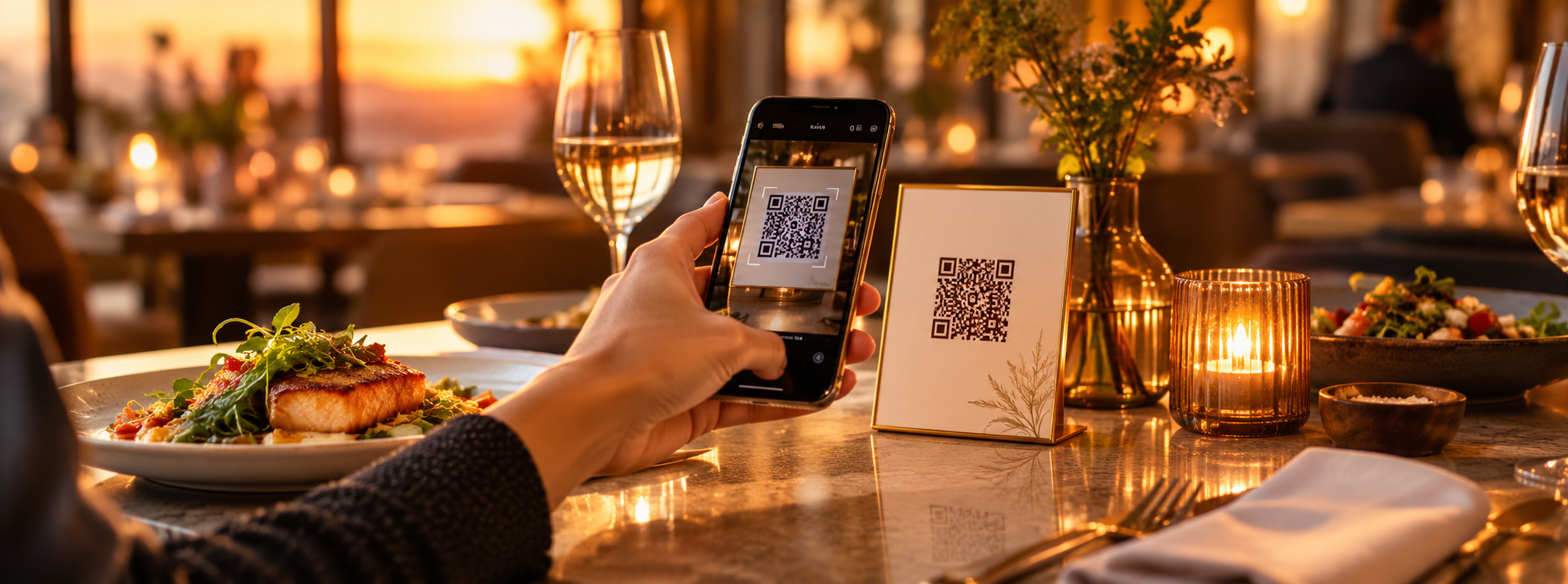
Each table gets its own QR code. Guests scan it, browse your menu with photos, sizes and add-ons, and order from their own phone. The order lands in the kitchen and on the table's bill, with no paper and no waiting for a waiter to come back.
Features
A QR menu that only shows a PDF still needs a waiter to take the order. RestroBeat's QR menu takes the order itself.
Print one code per table. RestroBeat knows which table ordered, so the order joins the right bill.
Half and full portions, pizza sizes, toppings and extras are priced correctly every time the guest chooses them.
Show dish names in Hindi, Tamil, Telugu, Malayalam, Kannada, Arabic and more alongside English.
Choose whether QR orders go straight to the kitchen or wait for a waiter to approve them first.
A QR code at the counter lets walk-in guests order takeaway themselves and collect it when their token is called.
The menu look follows your type of restaurant, with photos and categories, and works on any phone without installing an app.
Guide
In a busy hour the slowest part of service is often waiting: for the menu, for the waiter to take the order, and for the order to reach the kitchen. When guests order from the table QR code, the order reaches the kitchen the moment they confirm it, and waiters spend their time serving instead of writing.
The difference between QR menus is what happens after the scan. A QR code that opens a PDF menu saves printing costs but not time. Look for a QR menu that takes the order, knows the table, handles portion sizes and add-ons, and adds everything to the same bill the cashier prints.
You stay in control. You can ask for a waiter's approval before QR orders go to the kitchen, ask guests to confirm their mobile number or enter the code on your TV so prank orders never reach the kitchen, mark dishes as sold out, and change prices once for every table.
How it works
Download them from RestroBeat and place one on each table.
They choose dishes, sizes and add-ons and send the order from their phone.
The order shows in the kitchen and on the table's bill; the guest pays as usual.
One plan, every module
₹9,999 + GST per outlet / year in India
Or ₹1,000 + GST per month; GST is 18%, added on the invoice. Billing, QR ordering, kitchen display, inventory, staff and reports are all included, after a 90-day free trial. See pricing for other countries.
No. The QR code opens the menu in the phone's browser, so any guest with a smartphone can order straight away.
Yes. You can switch on approval so a waiter confirms each QR order, or let orders go straight to the kitchen.
Yes. Dish and category names can be shown in up to three extra languages, chosen from 31, alongside English.
Switch on order verification: guests confirm their mobile number with a WhatsApp code or a missed call, or enter the 4-digit code shown on a TV in your restaurant. You can also ask a waiter to approve each QR order.
No. QR ordering is included in the one RestroBeat plan with billing, kitchen and reports: ₹9,999 + GST per outlet per year (or ₹1,000 + GST per month) in India.
Restaurant billing software
GST restaurant billing software: CGST/SGST bills, split bills, manager-approved discounts and a UPI QR on every unpaid bill. 90-day free trial.
Read moreKOT and kitchen display
Print kitchen order tickets or show orders on a kitchen display. Table, counter, QR and online orders reach the kitchen in one queue. 90-day free trial.
Read moreCafés
Café POS software for quick counter billing, table QR ordering, order tokens and a 'now ready' screen, with menu photos, add-ons and reports. 90-day free trial.
Read moreCloud kitchens
Cloud kitchen software: your own online orders and delivery-partner orders in one kitchen queue, with online payments, KOT and stock. 90-day free trial.
Read moreNo card needed to start